Project Details
Launched - Spring 2020
Duration - March 2020 - May 2020
Skills - Interaction + UX design + Service Design
Role - UX designer
Teammates - Stephanie Wang, Cora Wang, Lena Li
Scope
Sleep apnea is considered a hidden health problem in America. Millions of Americans suffer from the disease and those who do seek treatment face a treacherous journey through the opaque healthcare system. Many sleep apnea patients end up quitting their therapy because of the lack of support and struggles that come with the lifestyle changes and mask. This project explores how connecting ResMed and patients through a mobile application could create a better service ecosystem for both parties.
Problem
Sleep Apnea patients lack quality service and flexibility with HMEs. This leads to uncomfortable patients and many abandoning their sleep apnea treatments
Art goes unnoticed by locals and tourists
Lack of awarness for public art
Disconnect in Civic identity
General uninterest in static art
How can we provide more holistic service to sleep apnea patients by conntecting them directly with ResMed, a Health Medical equipment provider (HME)?
People in Pittsburgh often struggle to feel connected to the public art scattered throughout the city. Digital products could offer a solution by helping users engage more meaningfully with the art, providing them with a platform to learn about each piece and give feedback. In return, the city gains valuable data on what its citizens appreciate and enjoy, enabling better investment in public art that resonates with the community and placing future pieces in locations with higher engagement. This creates a feedback loop that benefits both the public and the city’s cultural landscape.
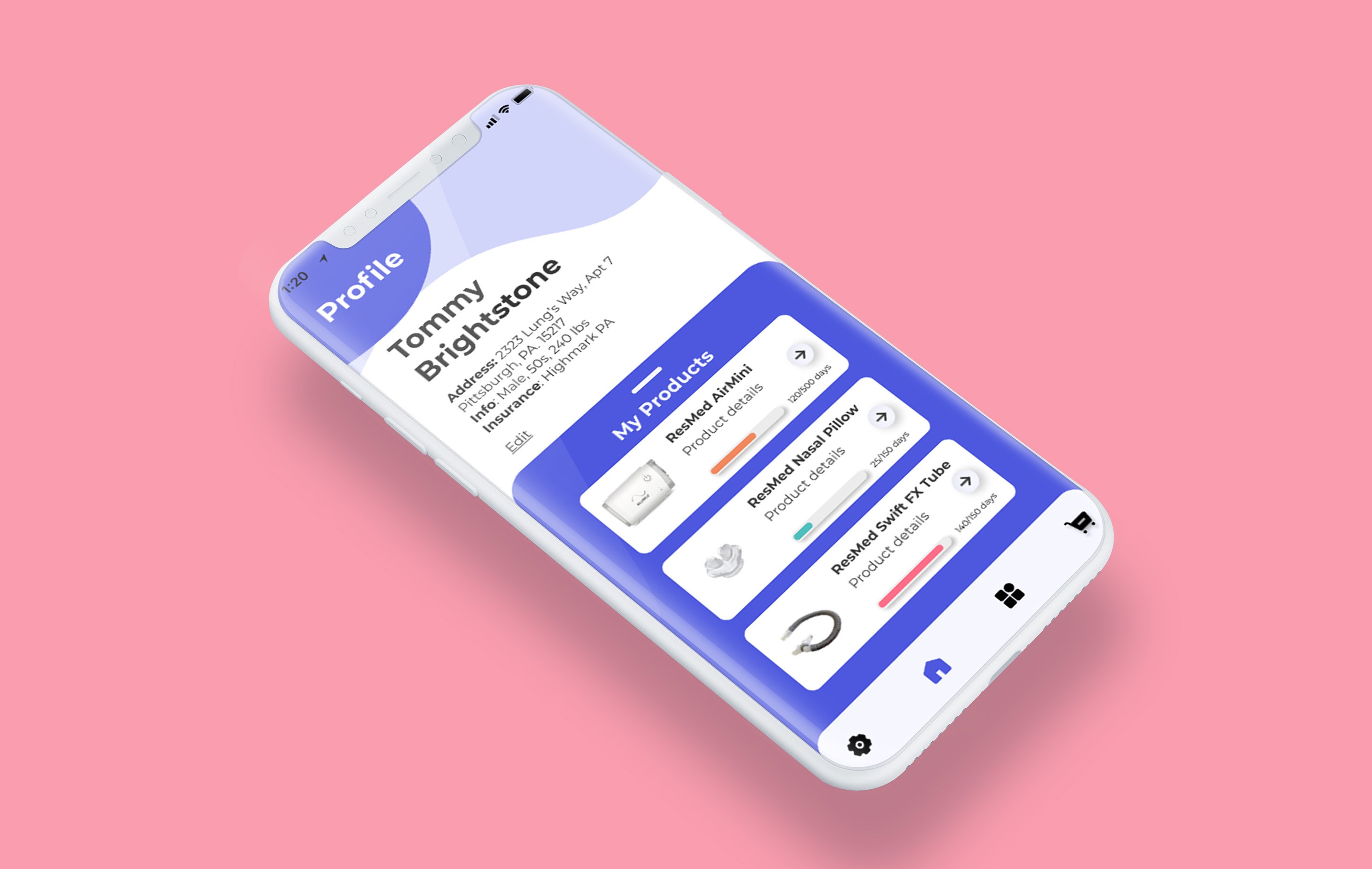
An AR driven application that enables treatment customization and direct purchase of ResMed products such as masks and accessories.
Fresh Air gives users the ability to purchase sleep apnea masks, accessories, and other products directly through the app. It manages the life cycle of users products, uses AR for face fittings, and has an AR visualize/customize feature for patients to co-create their own personal masks with ResMed.
Reseach
To understand public art in PGH, we observed and conducted contextual research around multiple well known art installations
To understand the problem space further and gain insights into how we could increase art engagement - we conducted an observe and intercept session in Downtown Pittsburgh. During that session we spoke with 8 people who each represented a different demographic of users.
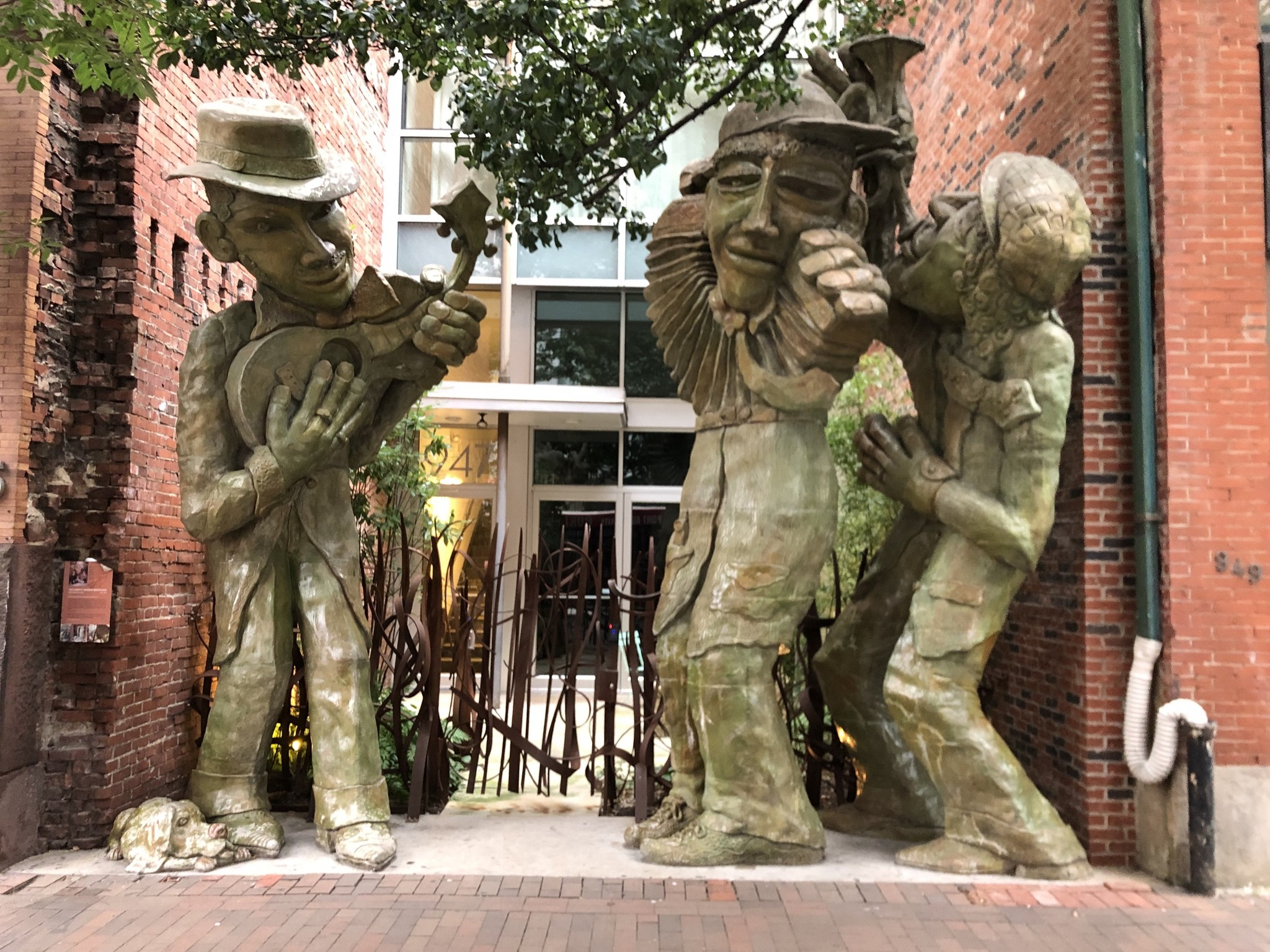
Liberty Ave Musicians, James Simon, 2003
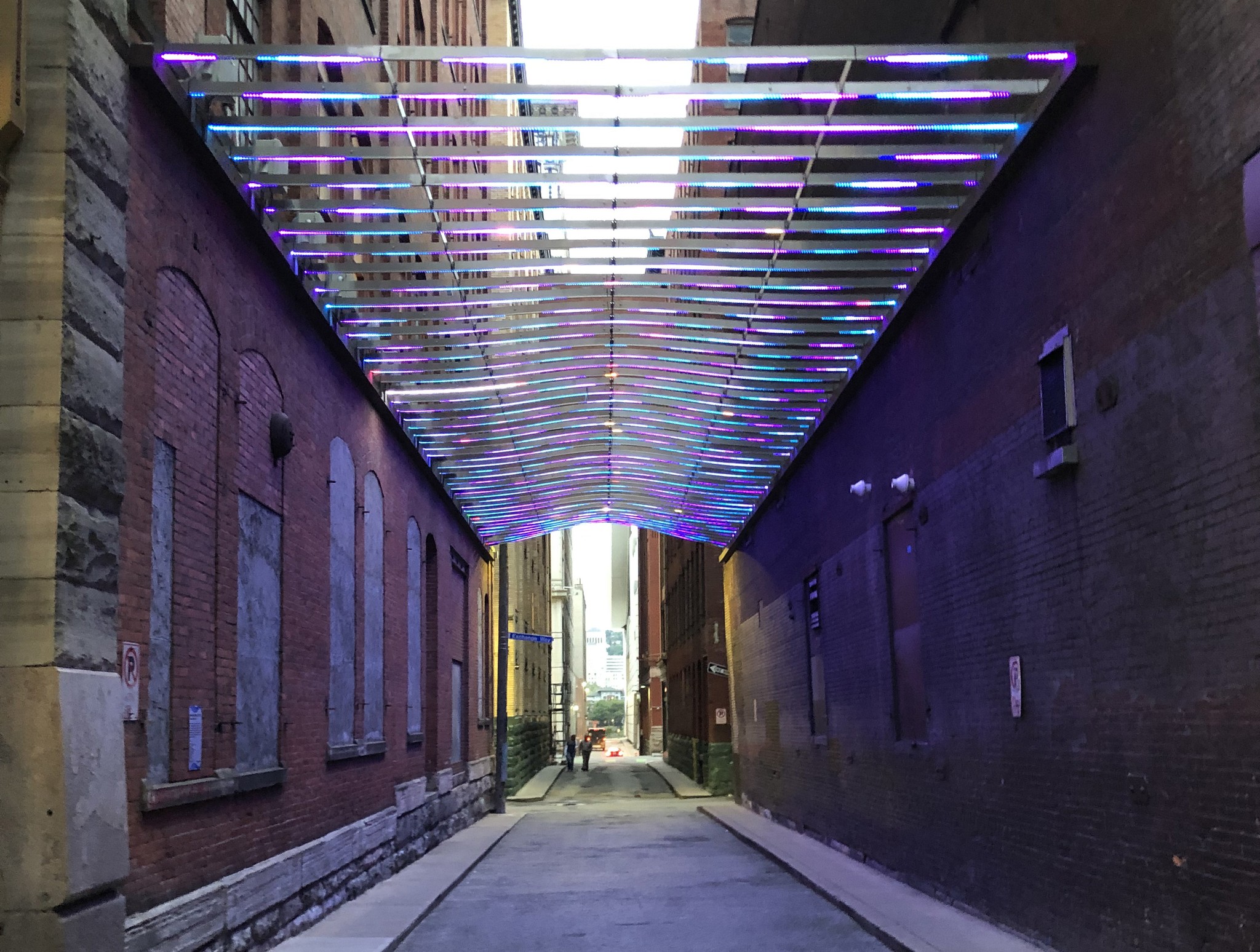
Garrison Canal, Andrea Polli, 2018
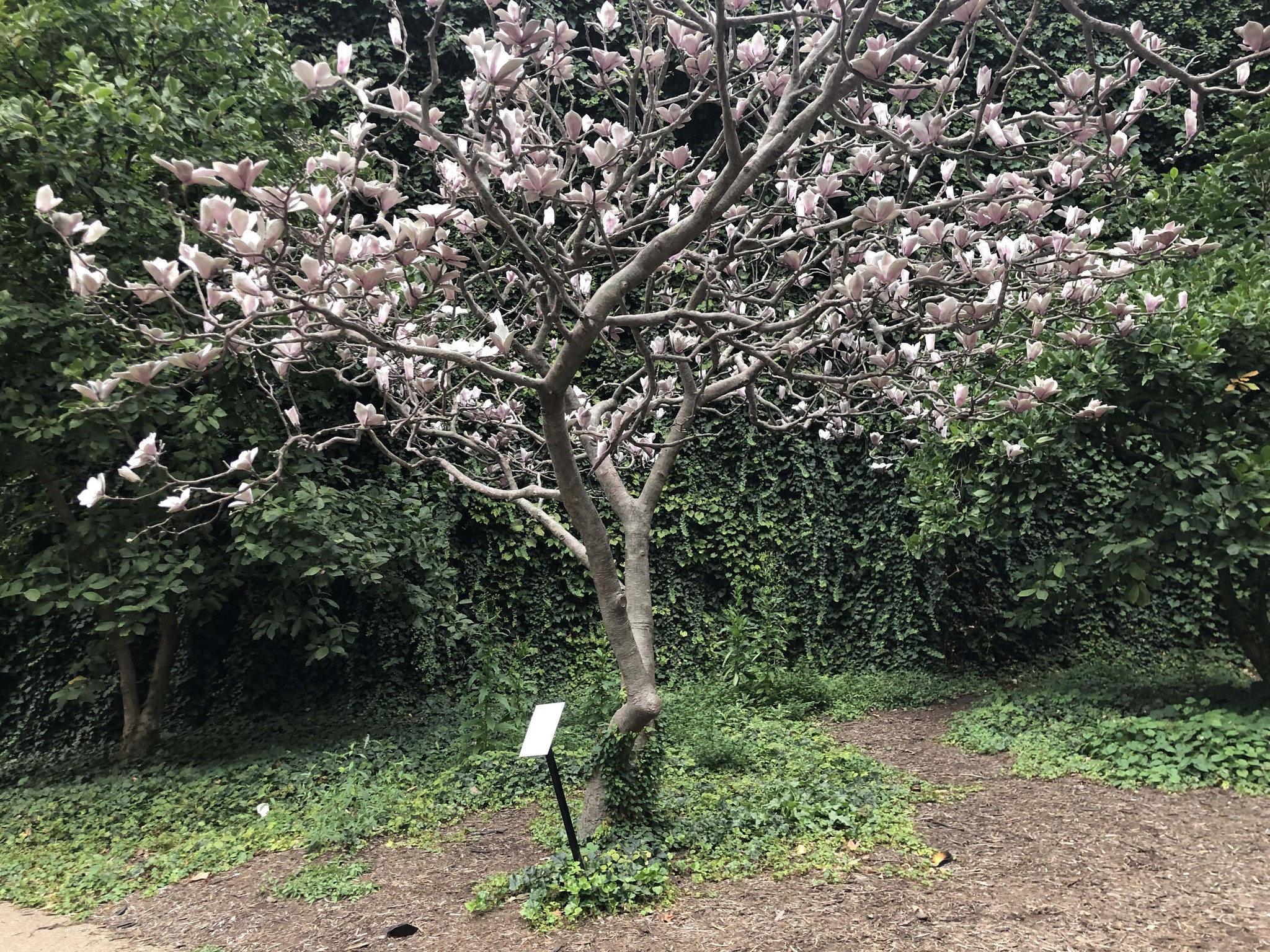
Magnolias for Pittsburgh, Tony Tasset, 1992
Understanding
Affinity mapping our contextual research led to user pain points and disconnect
We conducted an affinity diagramming session, which helped us identify key opportunities to enhance the branding, identity, and awareness of public art in Pittsburgh. This process revealed that there is significant potential to strengthen how public art is recognized and understood by both locals and visitors, creating a more cohesive and engaging cultural experience.
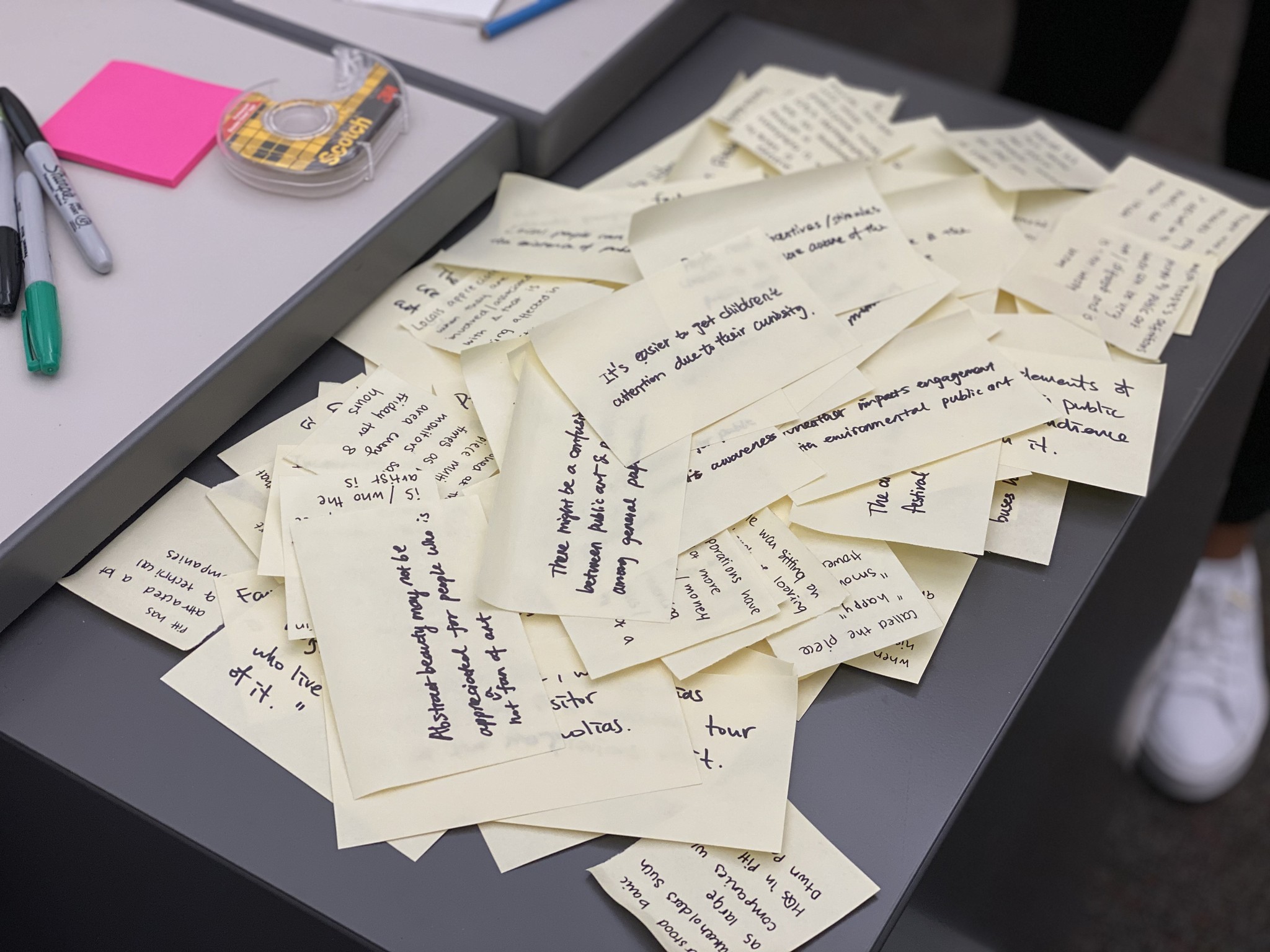
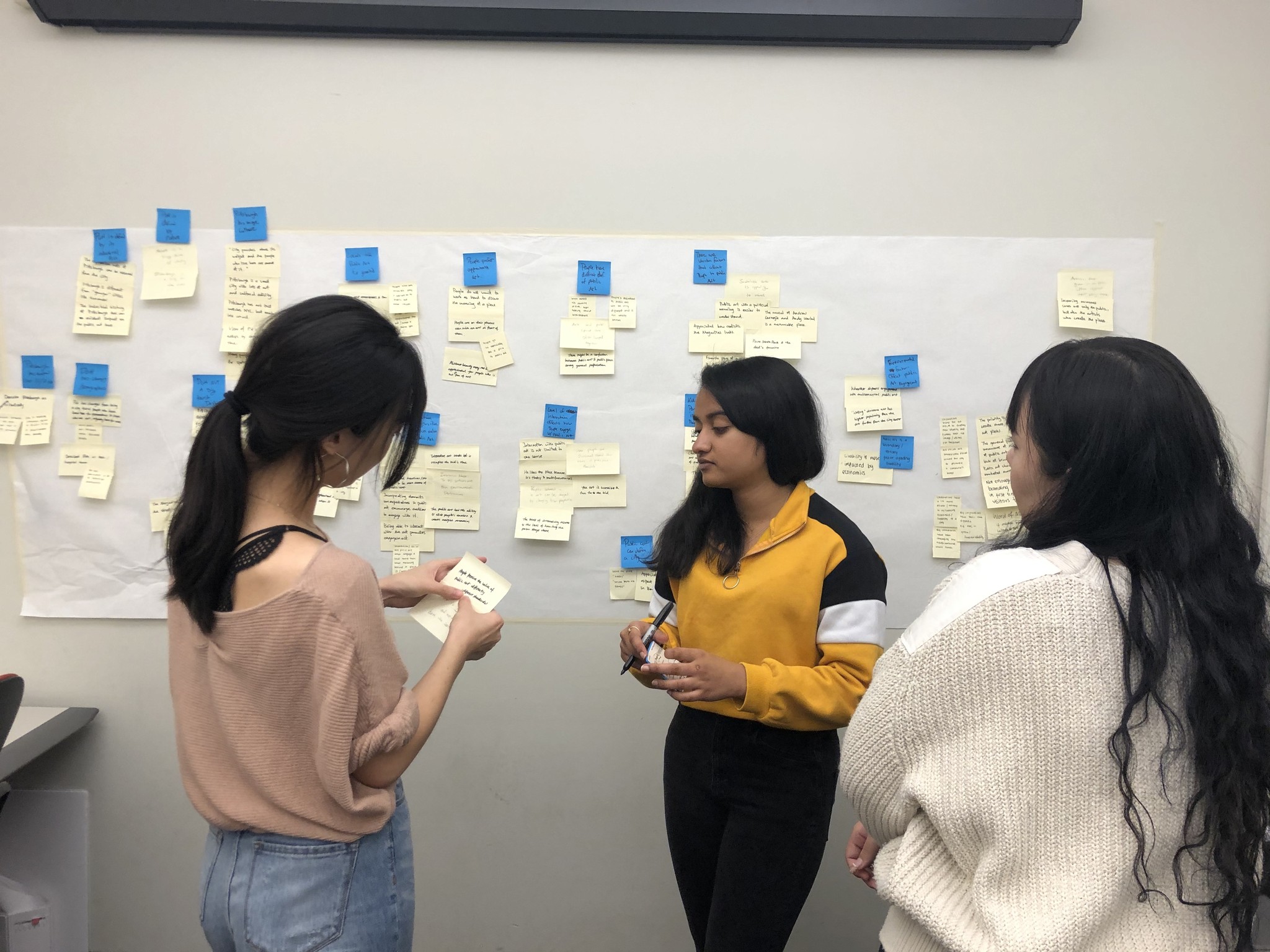
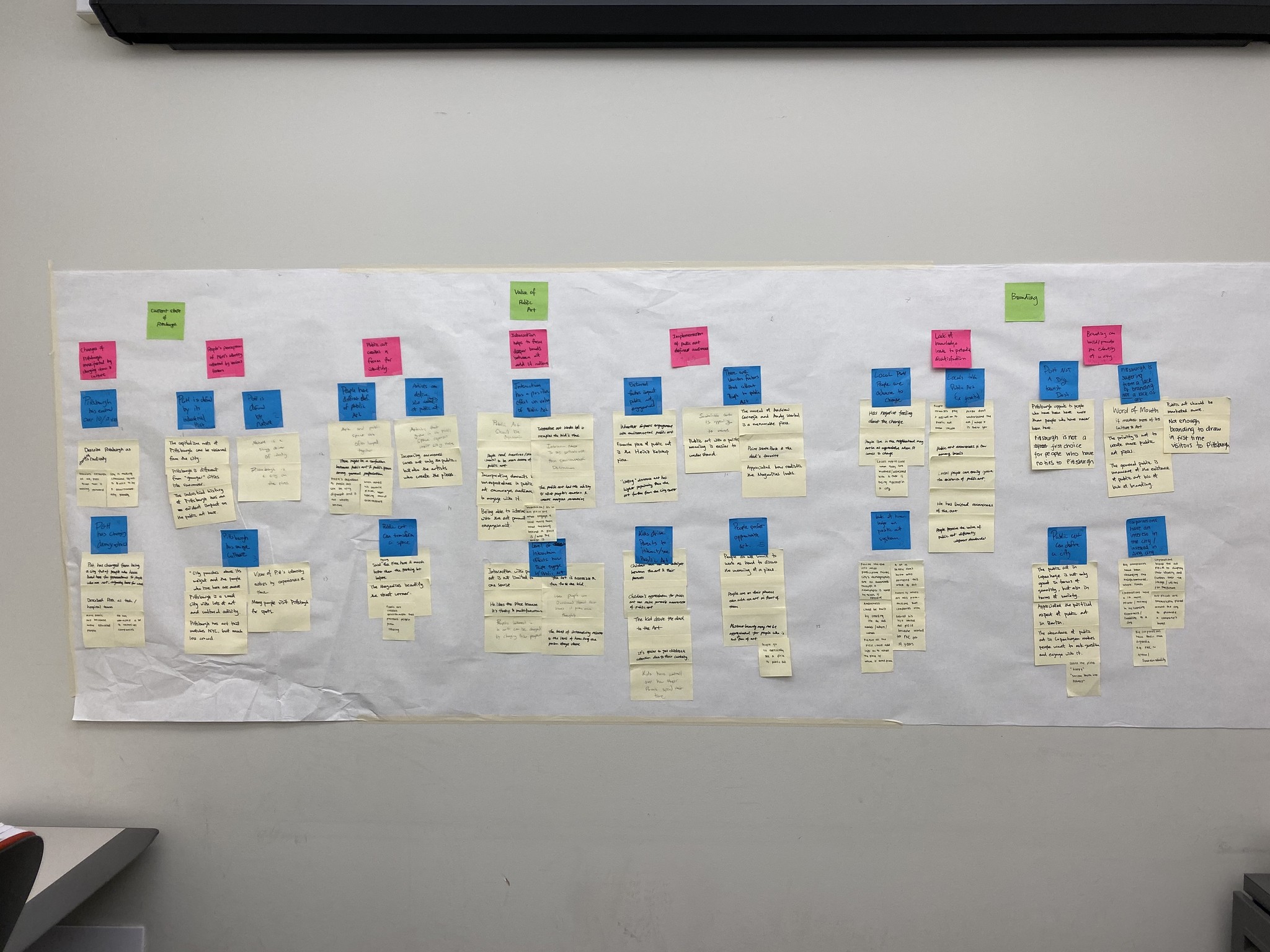
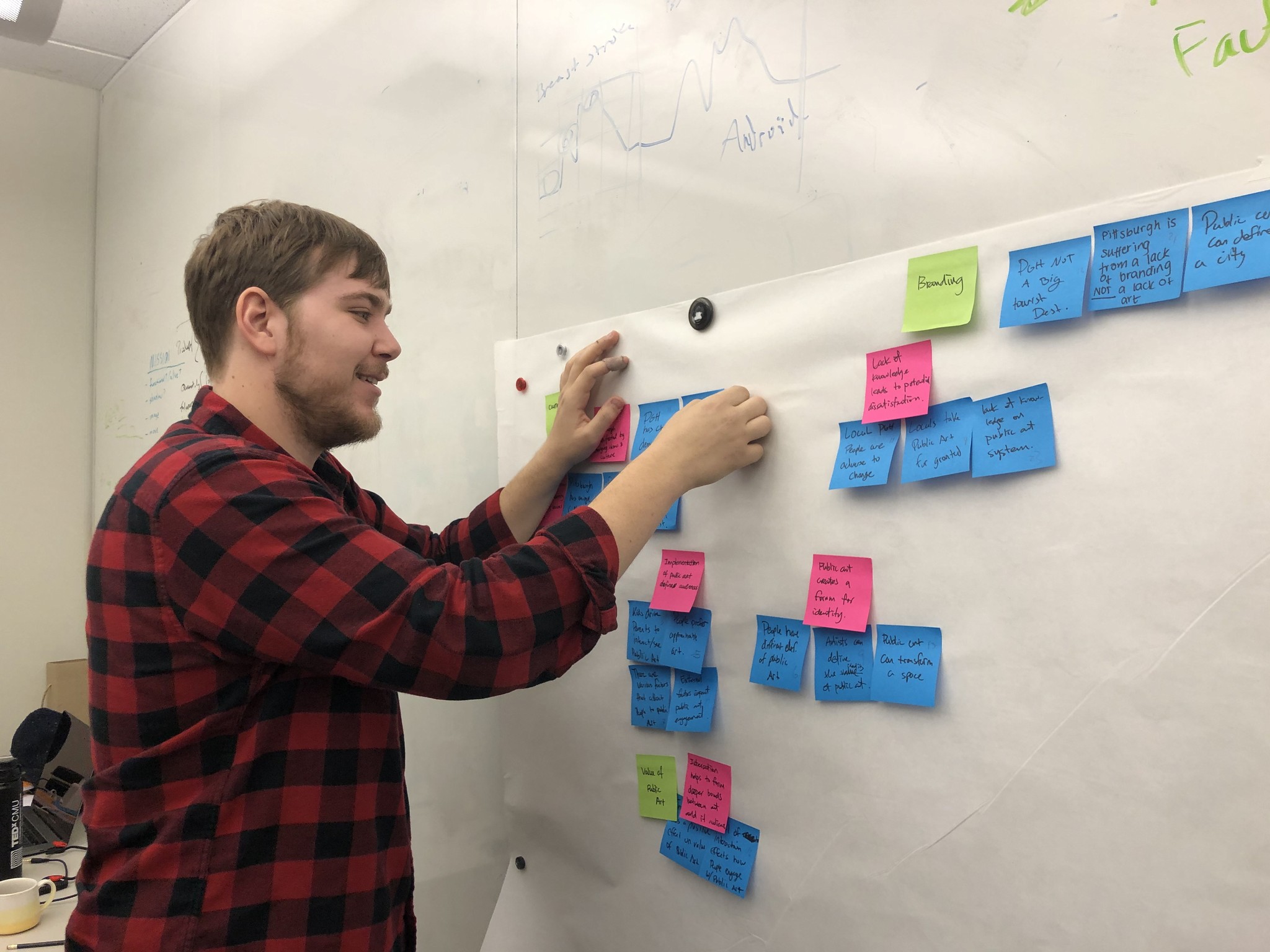
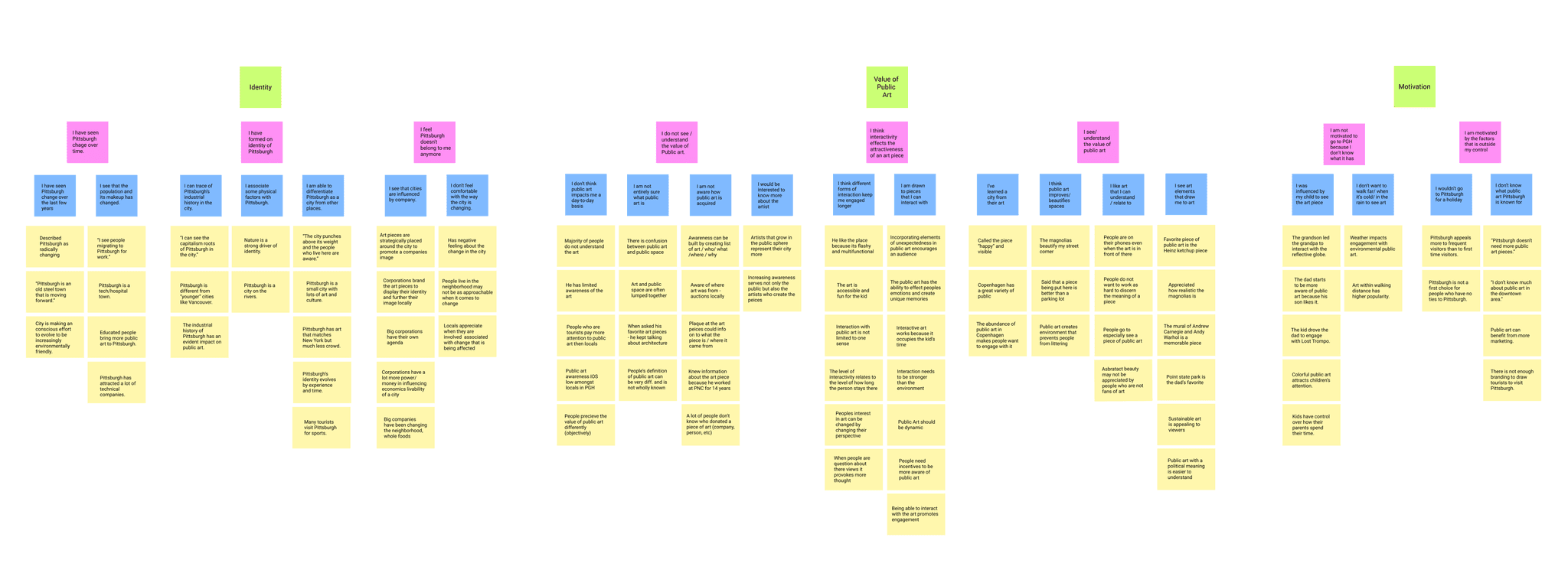
Synthesis reveled that people in Pittsburgh cannot find public art and feel disconnected from it at large
Through data synthesis and a review of direct user feedback, it became evident that the current public art environment and experience in Pittsburgh were not effectively engaging its citizens and visitors. Below are some quotes from the users we interviewed, highlighting their thoughts and concerns.
“I don’t usually find public art in town... but when there is something we can access and is fun for [my son], we end up going."
Local Pittsburgh Father
"Pittsburgh has great public art. People just don't notice it and care like other cities that we have lived in."
Tourist from NYC talking about PGH locals
"You guys get it. But the majority of people, it’s just some weird piece of art that they do not understand and they don’t care."
Local Pittsburgh Police Officer
"I love the art here… I just don't really seek it out or know where it is. If I stumble on it cool."
Mid-20s coffee shop owner
Ideating
Storyboarding and Speed-dating led to an AR solution driven by interaction
Reflecting on our insights and knowledge gained from our affinity mapping session - we looked for areas to ideate on that could solve our core stakeholder need of improving engagement and also improve the users experience through identity, understanding, and interaction. With that in mind we created 12 different story boards to use during speed dating sessions. The storyboards were divided into 4 sections: identity, information, increasing awareness, and way-finding. Identity ideas - specifically a AR solution which incorporated users leaving notes and messages to the art - was the most popular.
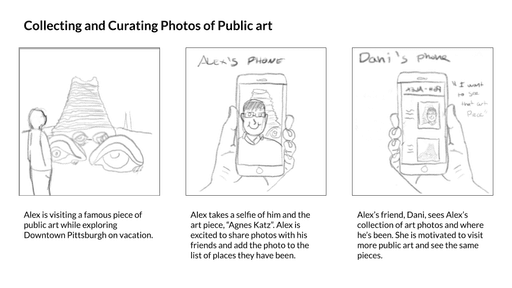
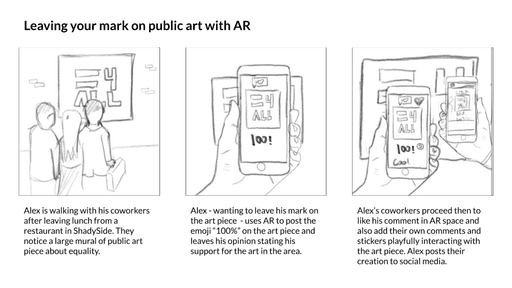
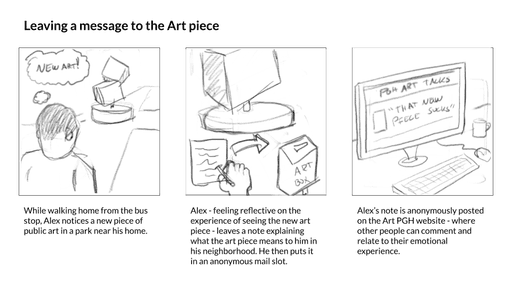
Experience prototyping an AR driven way finding art product proved the concept valid with users IRL
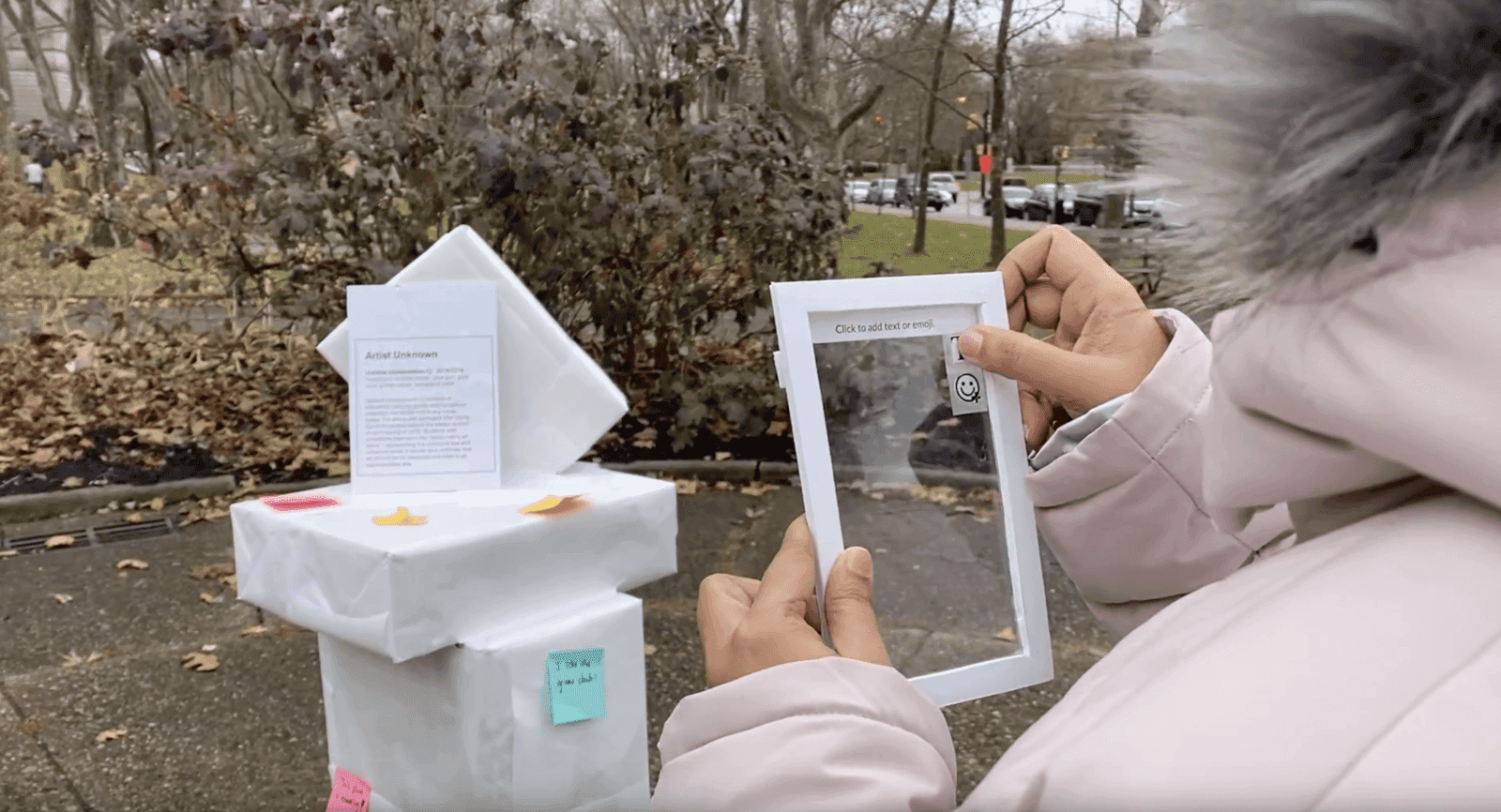
With the direction decided through the storyboarding process - we formulated a way to test the concept and conduct an experience prototype session. Our idea was to create an artificial piece of public art and place it in a popular square in Pittsburgh. Then users could interact with our clear plastic screens representing the AR mode on a phone. Users then could choose to either leave a message in AR space, place an emoji on the art piece, or just browse what other people said about the work.
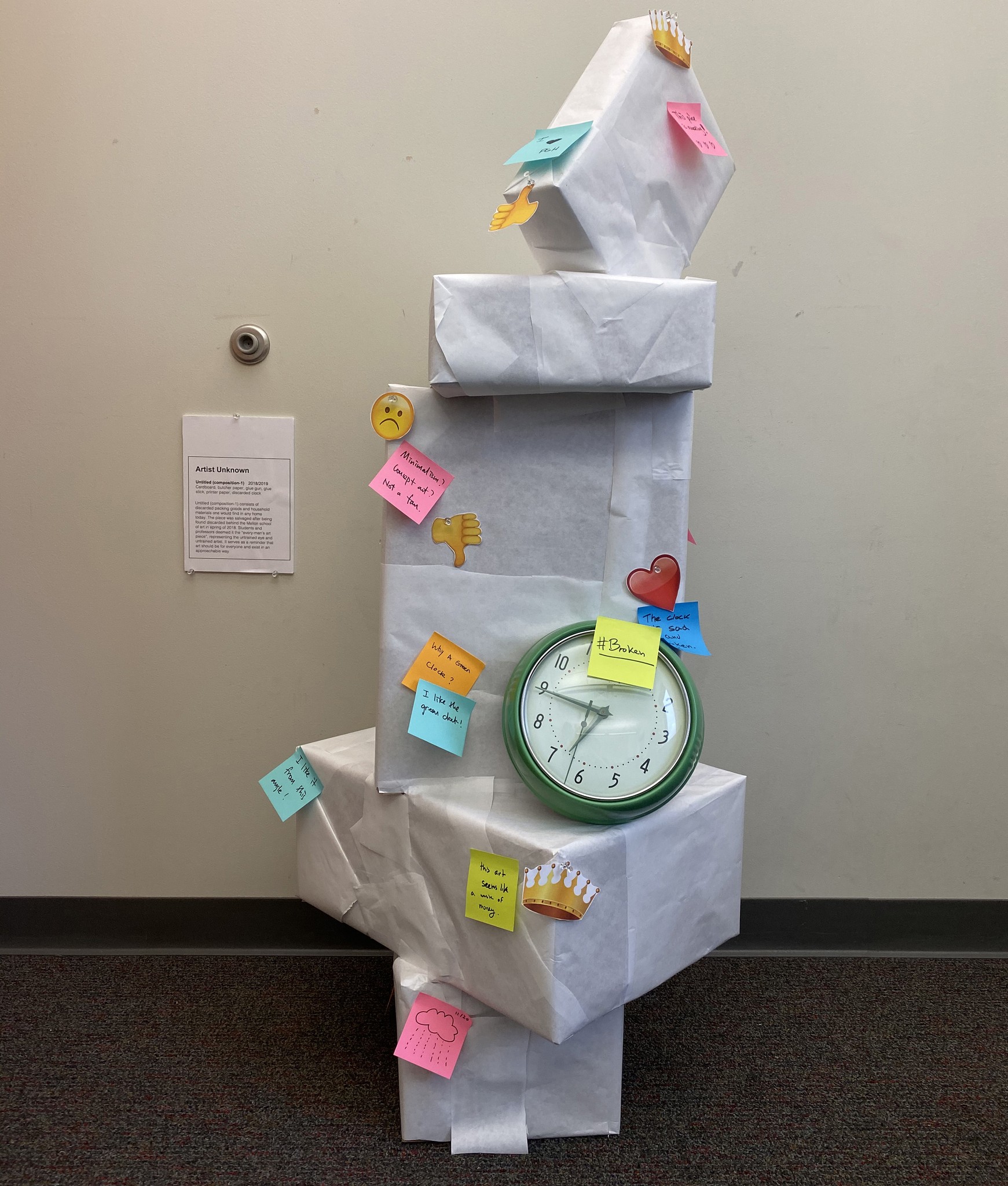
This is the "Untitled" art piece we created for users to interact with through our AR experience
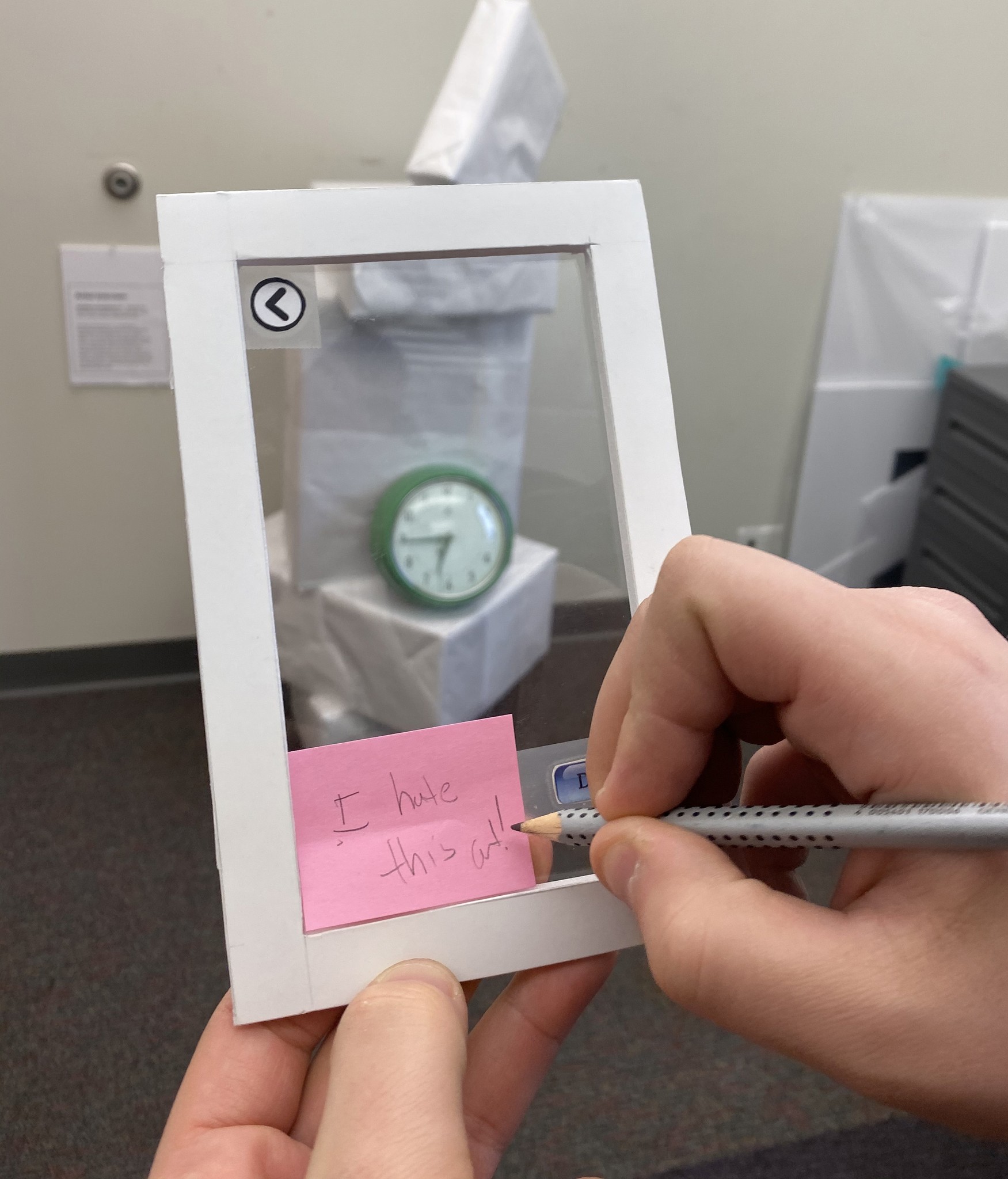
A close up of our writing prompt screen and how users would interact with the system
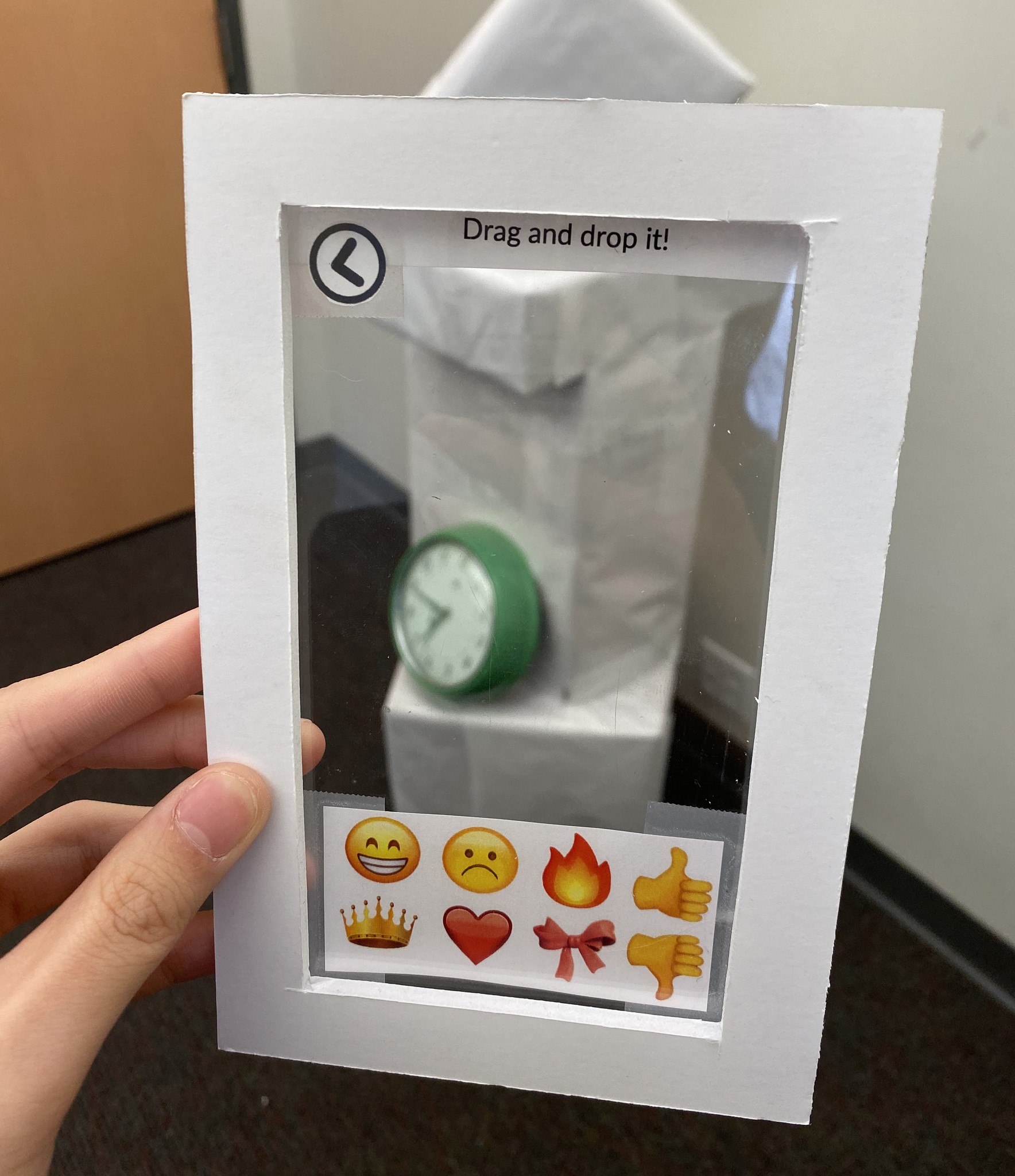
A close up of the emoji placing screen. This experience would be augmented with a person acting as the computer
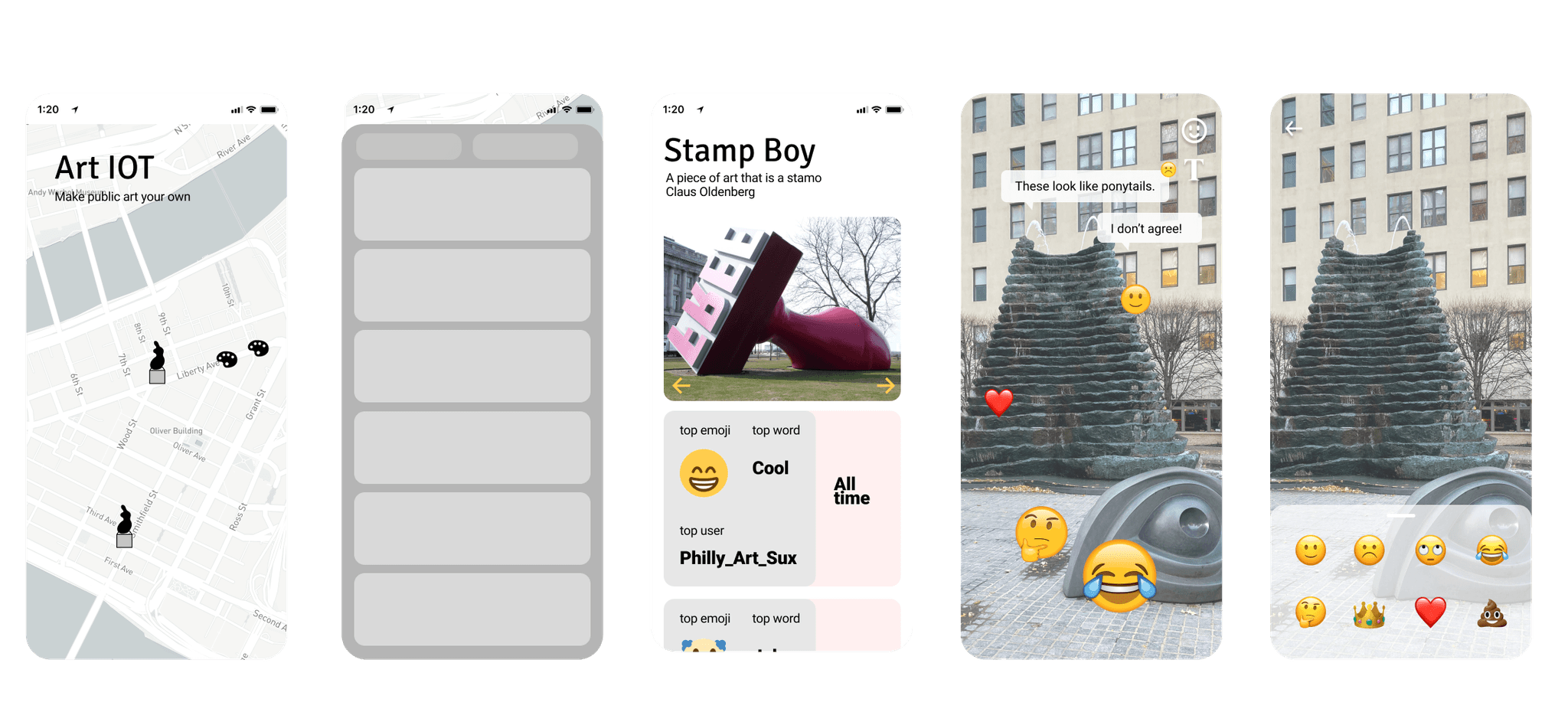
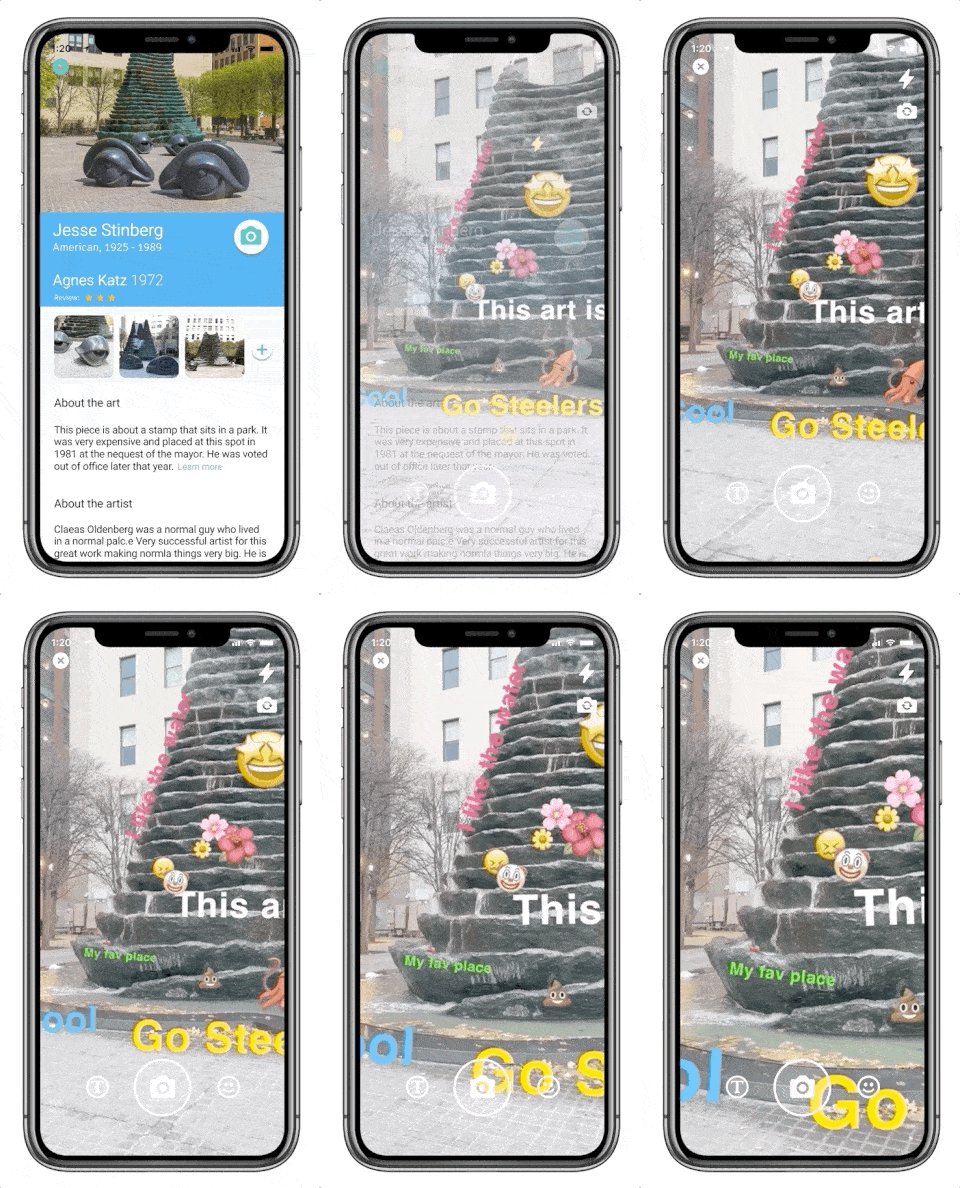
I created key screens that helped to define the interactions most important to the product: way finding, information gathering, and interaction
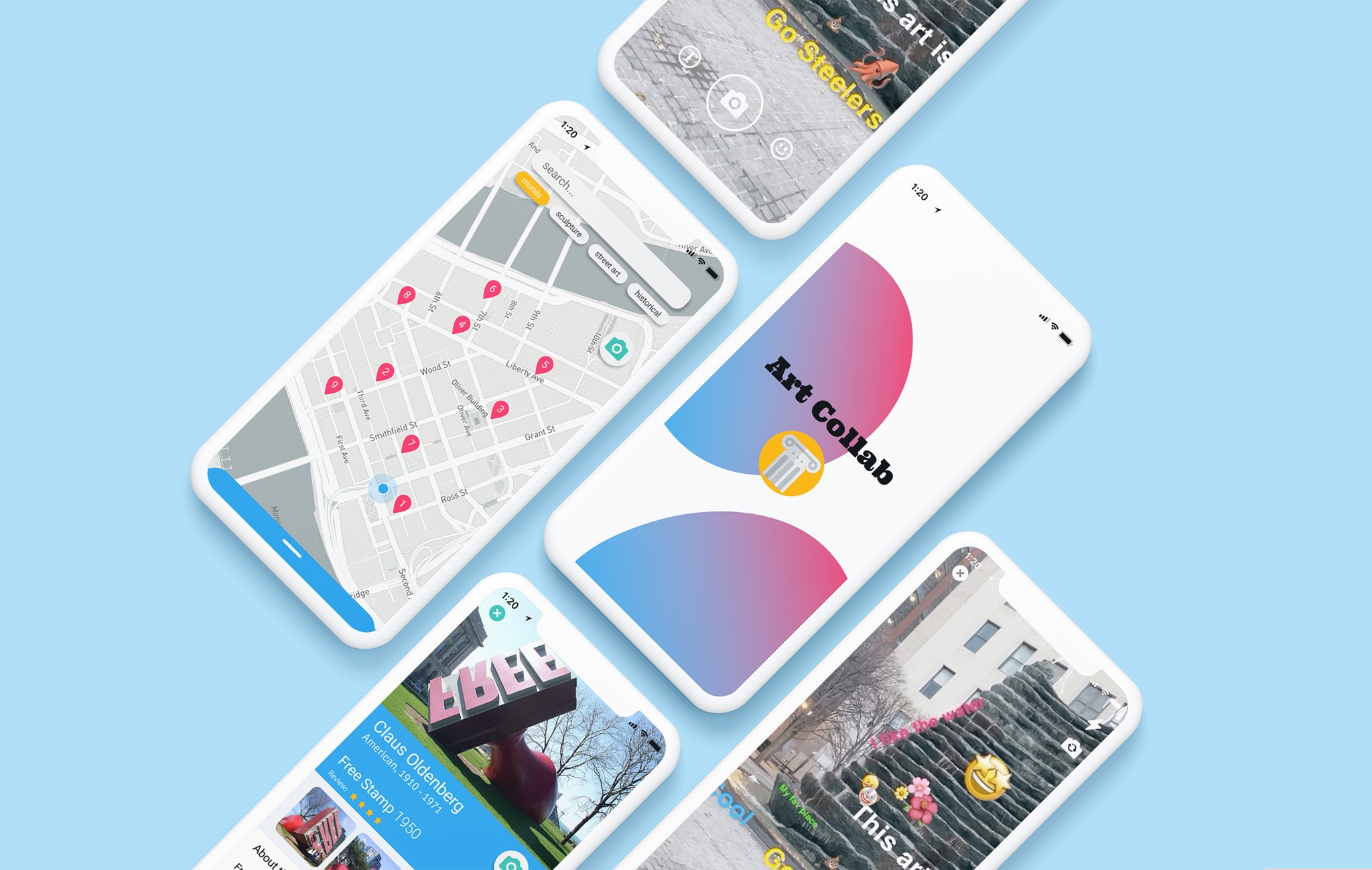
With the project concluding before any digital assets were created, I took the initiative to design a digital concept of what the product could look like. I began by focusing on wayfinding, developing an experience centered around a map featuring public art. From there, users could explore individual pieces of art or use GPS to find locations. If a user is interested in a particular piece, they can access a detail page to learn more and see how others have interacted with it digitally. Finally, the camera view integrates an AR environment where users can leave comments and engage with the art, completing the interactive experience.
Iterating on the key interaction screens with UXR, I crafted a high fidelity mock that included onboarding and a full journey using the product
The hi-fi mocks were developed after a few iterations of the lo-fi designs and following some light user feedback on my initial model. Interviewees suggested an onboarding experience focused on gathering user data early in the process. They also recommended simplifying the art detail views to emphasize information rather than interaction with the art pieces, as users saw the app's primary value in discovering and finding art, with the interactive features viewed as secondary rather than a core reason for using the product.
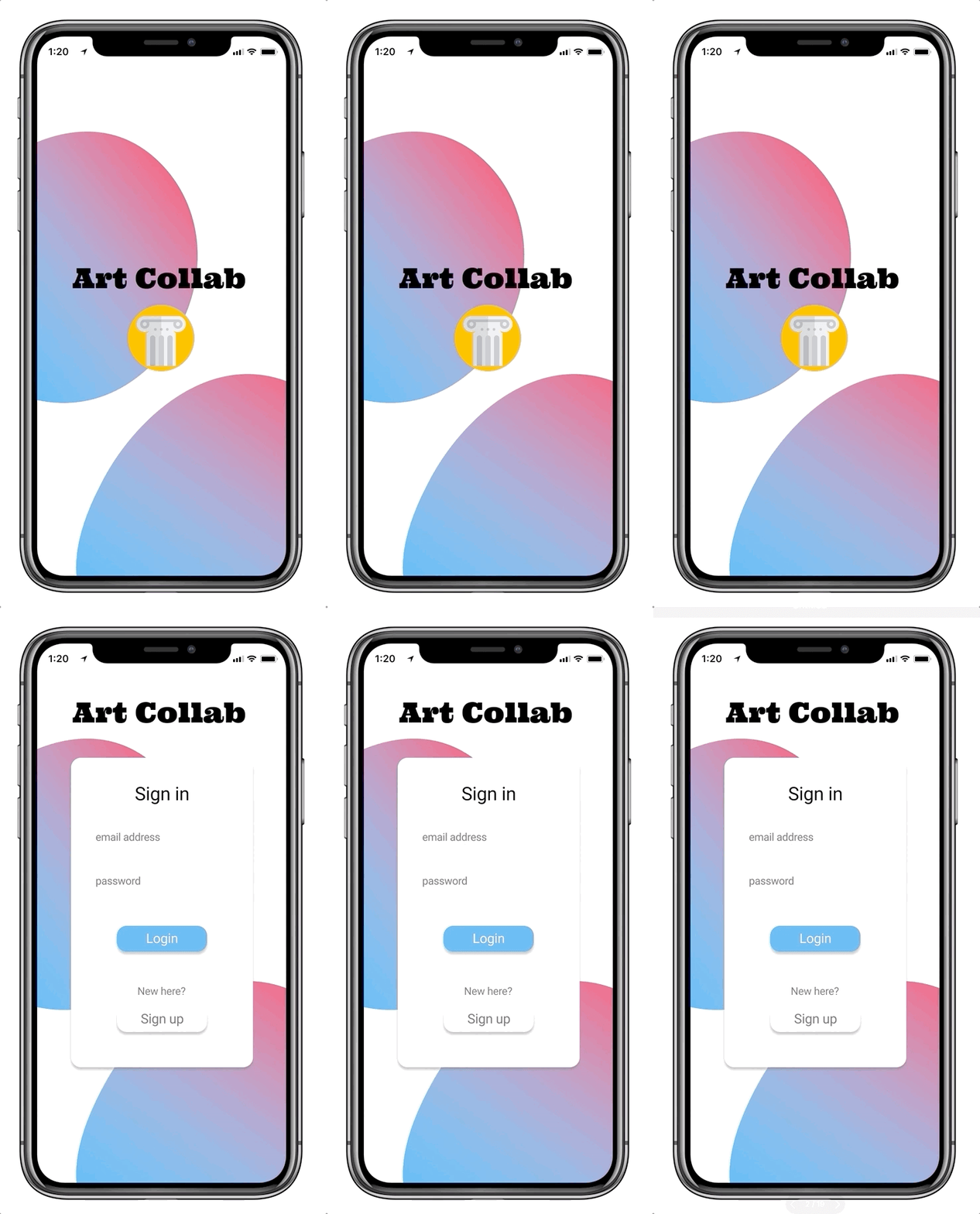
Landing page
The landing page shows off the Art Collab logo and features a contemporary aesthetic based on the NYT Sunday magazine covers
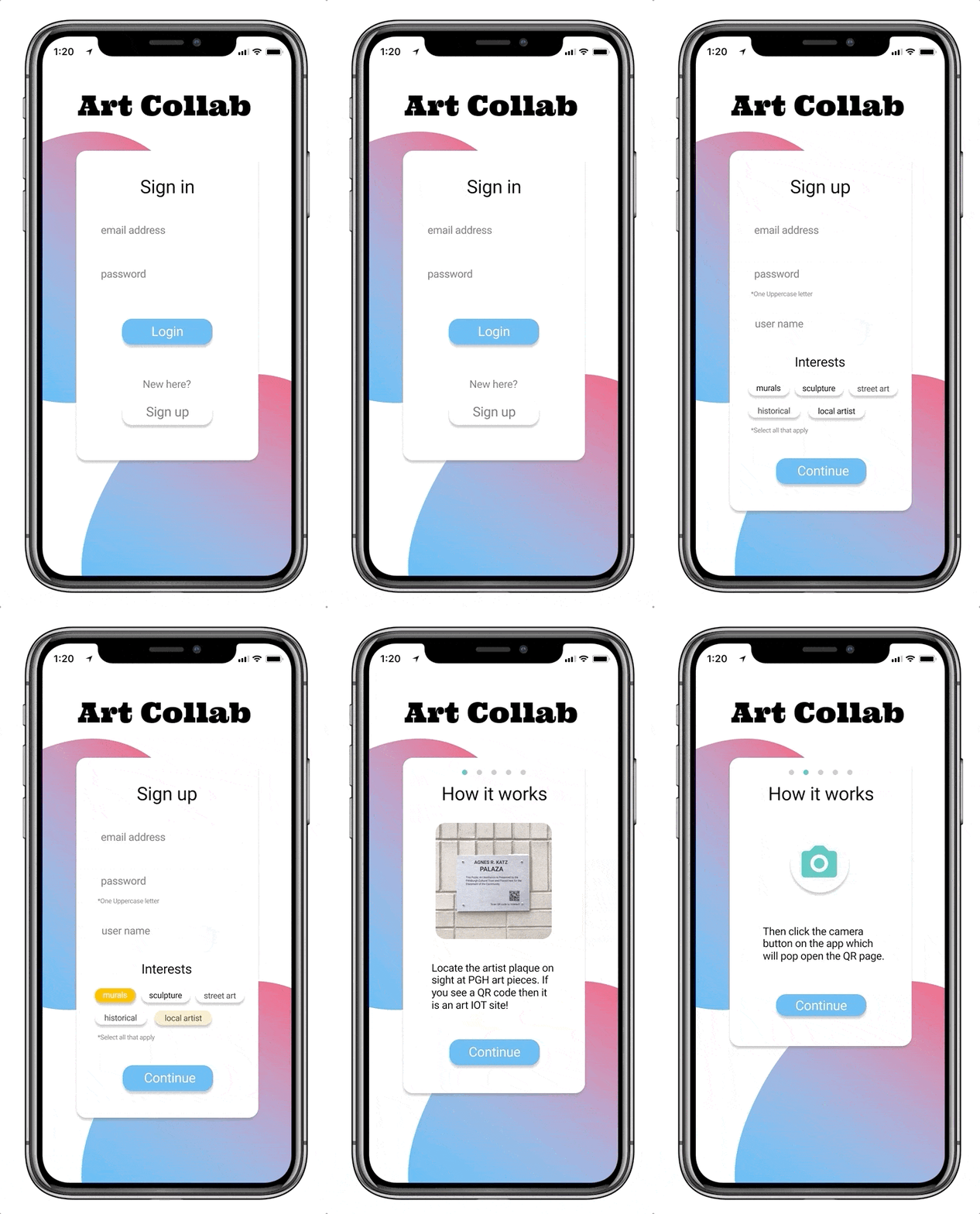
Onboarding
New users are required to enter email address and create a password to get started. They also select areas of interest as to better tune the way-finding application to reflect what should be selected first. Then the app walks them through how the AR commenting works.
Discovery page
Once logged in, users can use the map page to find art near their current location. They are able to toggle filters, go to a more detailed list of locations, and to search in locations other than where they currently are by zooming out.

Art piece profile
Profiles can be pulled up for all active Art Collab sites. Users can read about the artist, the art piece and learn about when the city purchased the piece. Users can also see how many posts are at a location currently, the top emoji used, and the top word used. They can scroll to the bottom to see other nearby art pieces and their location relative to the art piece they are viewing.

AR Viewing in camera mode
Once in the camera mode, users can walk around an art piece and view others comments. Through this feature, users can communicate their feelings about an art piece, add to the art piece, or just have fun!
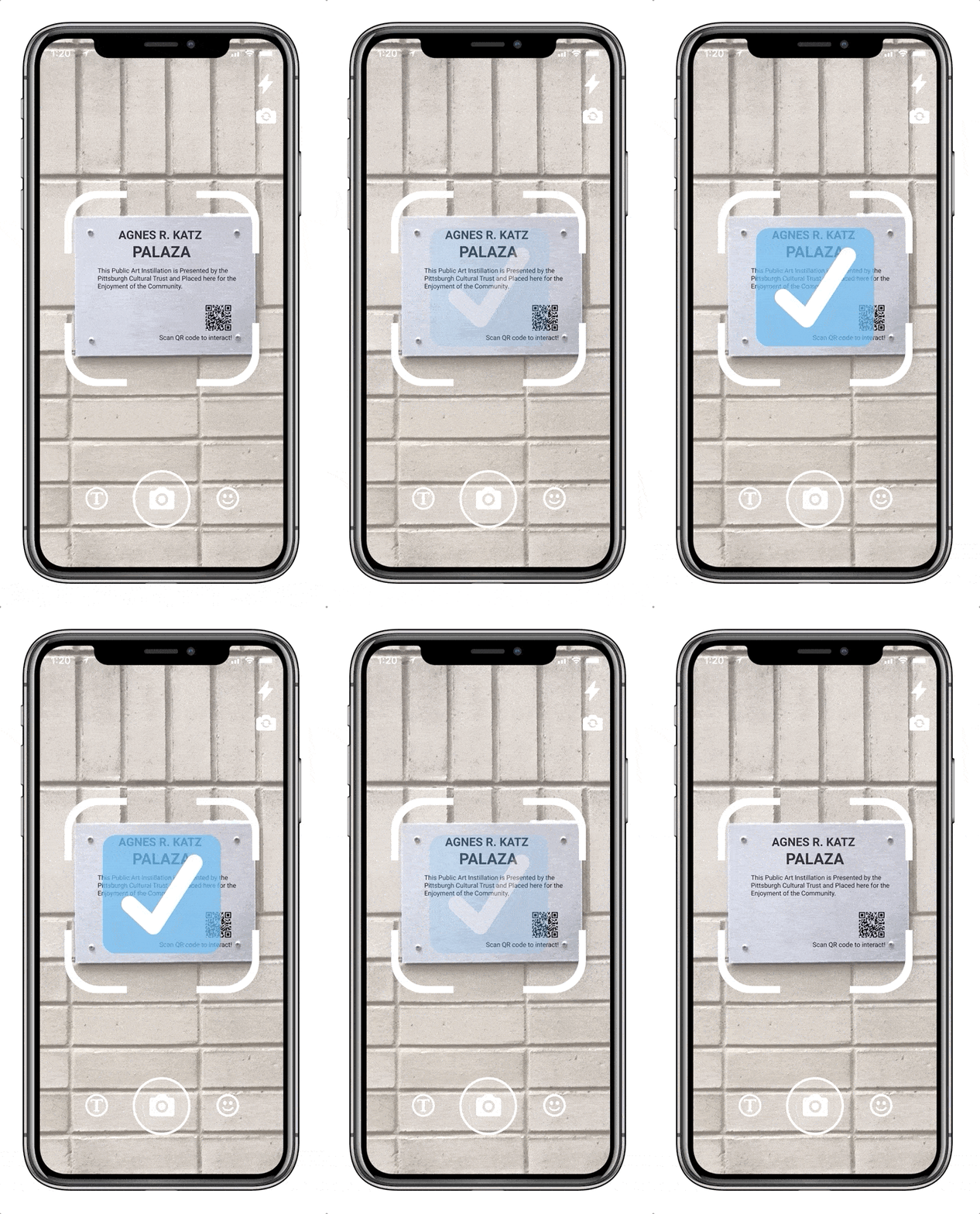
Gaining access to comment
To get access to comment, users have to locate the QR tag on the art piece sign. From there, users open the camera comment function and hold it over the sign. Once the check comes up, users have gained access privilege.
Civic-centric digital products like Art Collab can reveal what people love and want in their cities
Art Collab offers Pittsburgh valuable insights into how the public engages with its art. The platform collects a wealth of quantitative data, such as visitor demographics, visit timing, and which pieces of art draw the most attention. Its standout AR feature goes further by gathering qualitative data, including comments that capture public sentiment, community reactions through posts, and emoji responses to specific artworks. Together, these insights provide a comprehensive view of how people connect with public art, helping the city better understand and enhance its cultural spaces.
Want to see more?
All's well that ends well
Parker Nussbaum, 2025